Permissions
This content is not available in your language yet.
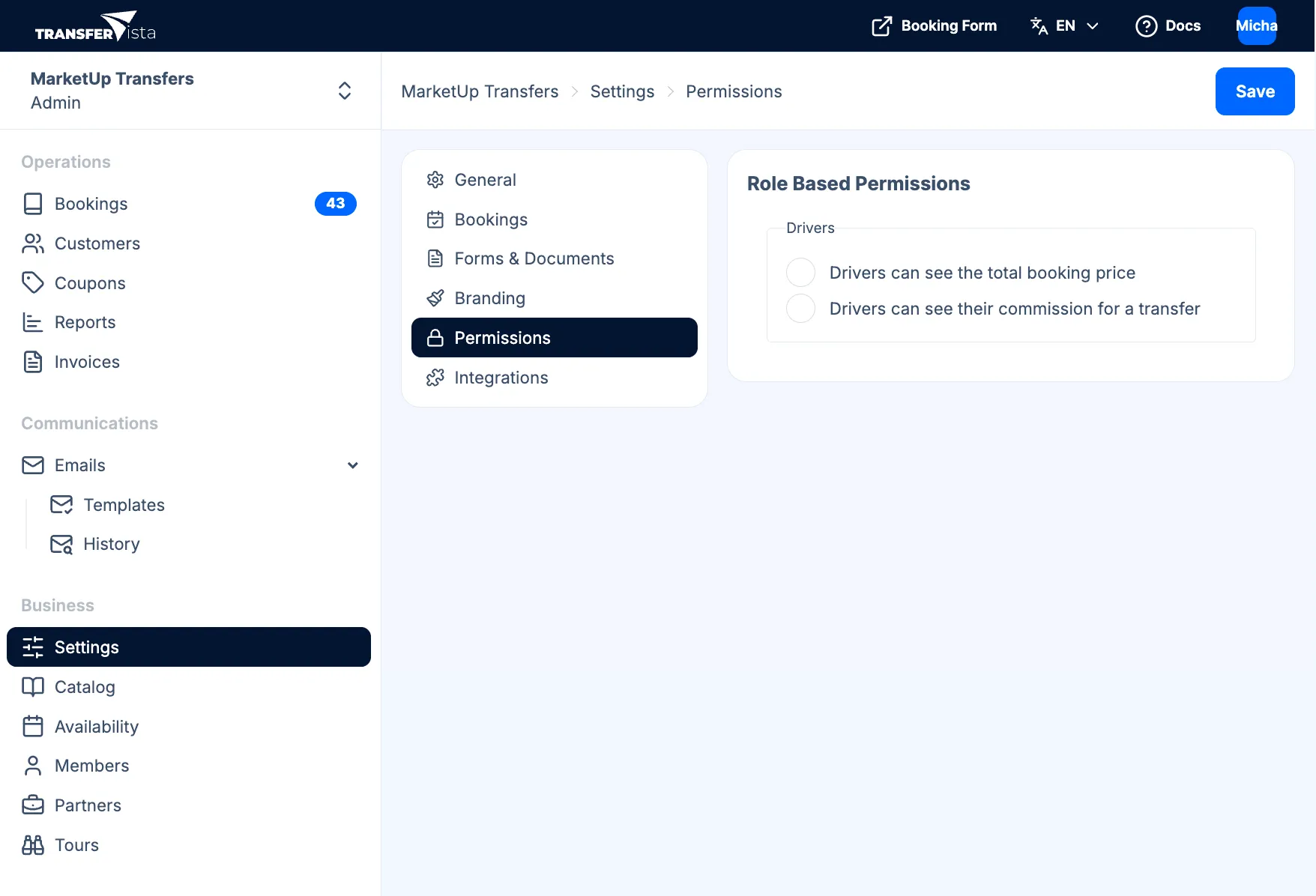
To access Permissions, go to Settings in the sidebar and select Permissions.
Here you control what drivers (operators) can see when they log in. This keeps sensitive information hidden while giving them what they need to do the job.
Reference
Section titled “Reference”Under Role Based Permissions you will see a Drivers section with two options:
| Option | Description |
|---|---|
| Drivers can see the total booking price | When enabled, drivers see the booking total and payment amounts in their assignment view. Turn off to hide pricing from drivers. |
| Drivers can see their commission for a transfer | When enabled, drivers see their commission for each booking. Turn off to keep commission confidential. |
These options apply to the driver’s view of their assignments and booking details.
After making changes, click Save in the top right corner to apply your updates.
Related
Section titled “Related”- Driver Experience Overview - What drivers see when they log in
- Team > Drivers - Add and manage driver accounts